STEP 01
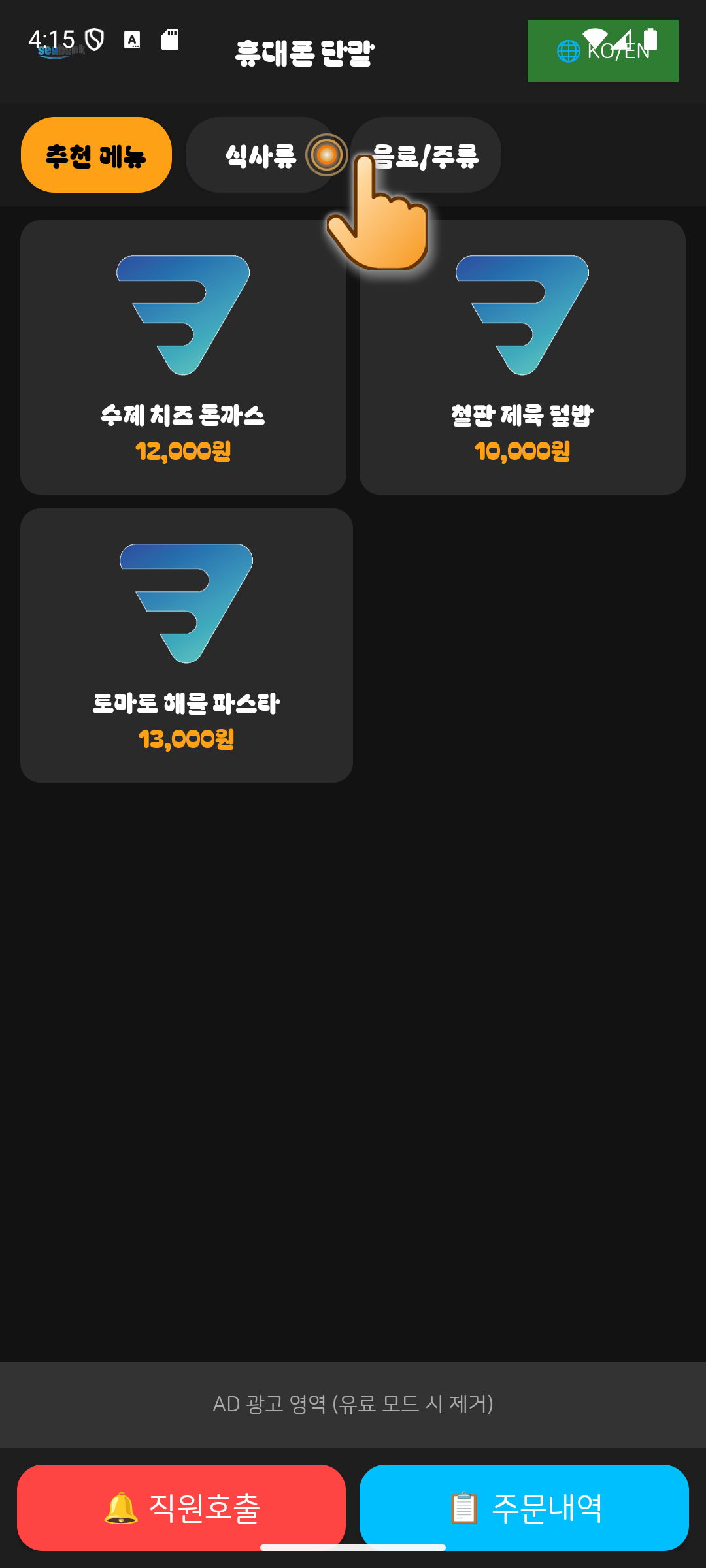
01.Select Category
Tap the top category tabs (Recommended, Main Dishes, Beverages) to switch food categories.
💡 Fast category switching with smooth hardware-accelerated rendering.
STEP 02
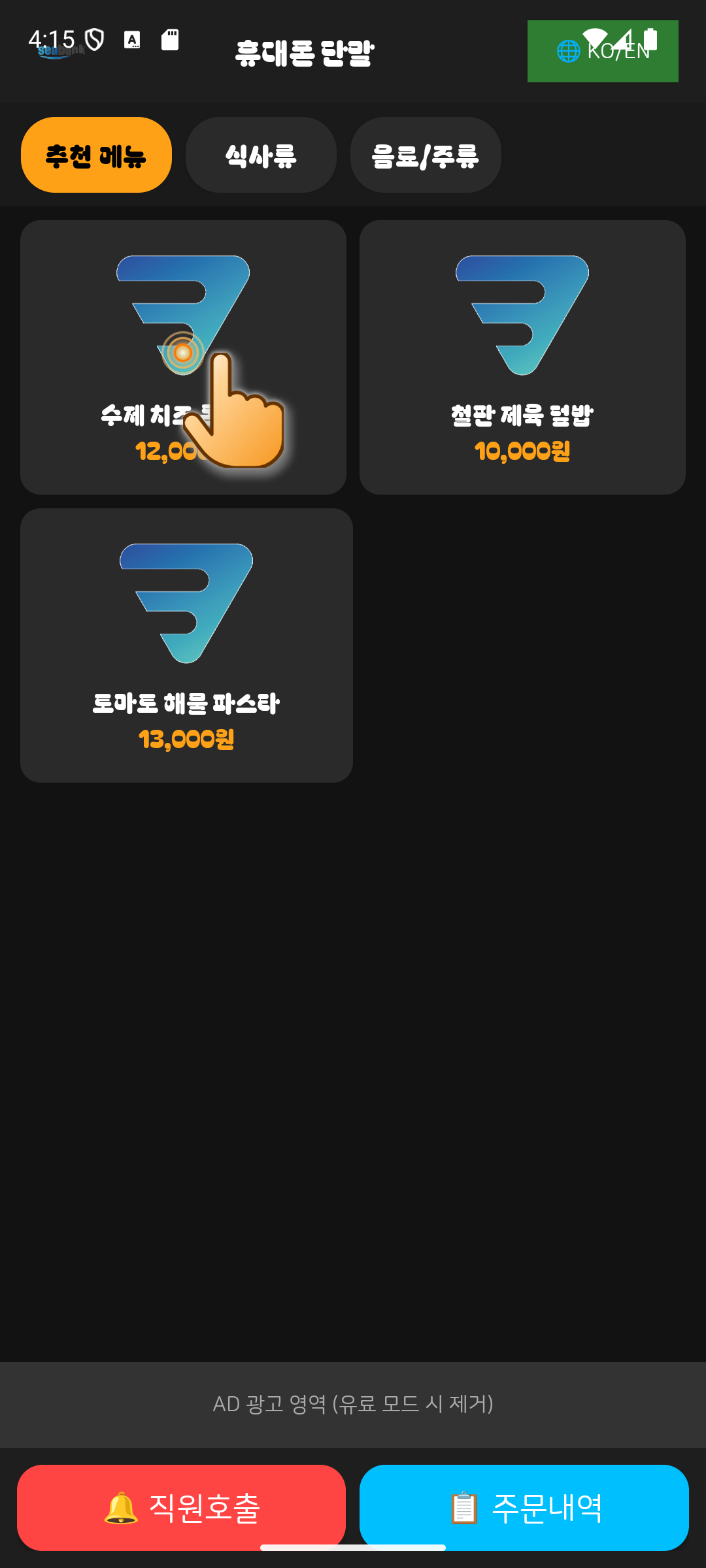
02.Choose Menu Item
Gently tap on the menu item card you wish to order (e.g., Handmade Cheese Pork Cutlet).
💡 Optimized touch slop filter ensures reliable click even if fingers slide.
STEP 03
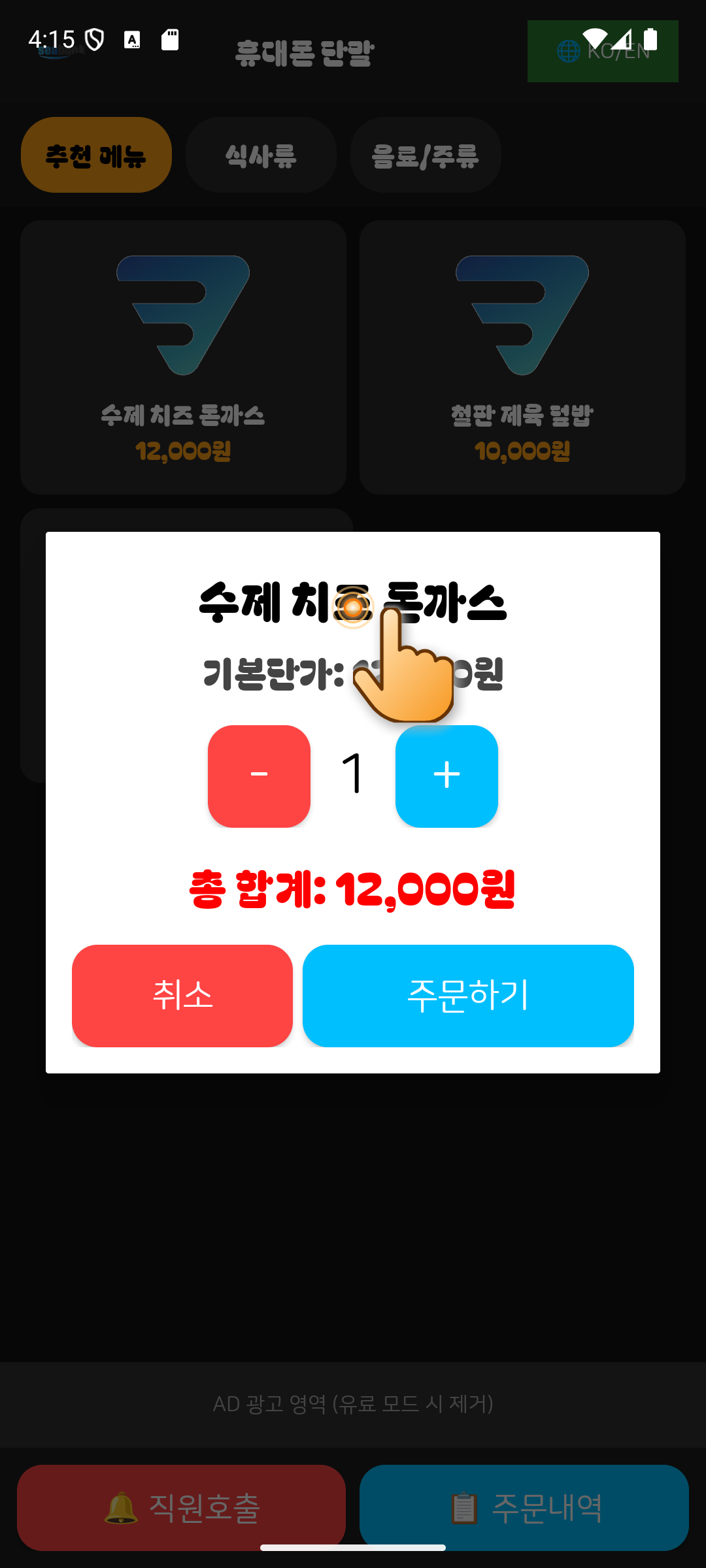
03.Review Details & Options
A pop-up modal opens showing the item details, unit price, and customizable options.
💡 Clean dark & high-contrast UI for comfortable reading in any lighting.
STEP 04
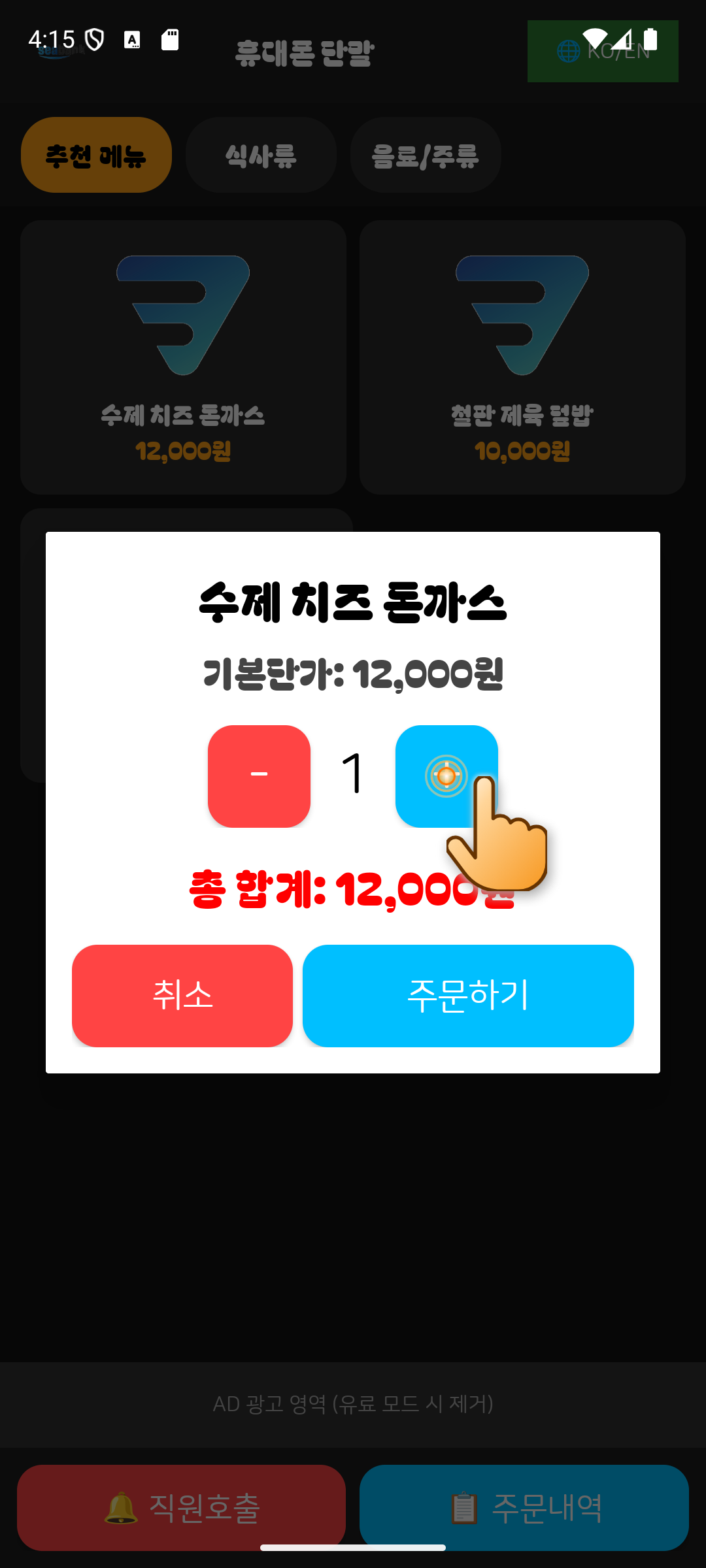
04.Adjust Quantity (+/-)
Tap the plus (+) or minus (-) buttons to increase or decrease the order quantity.
💡 Total price updates instantly as quantity changes.
STEP 05
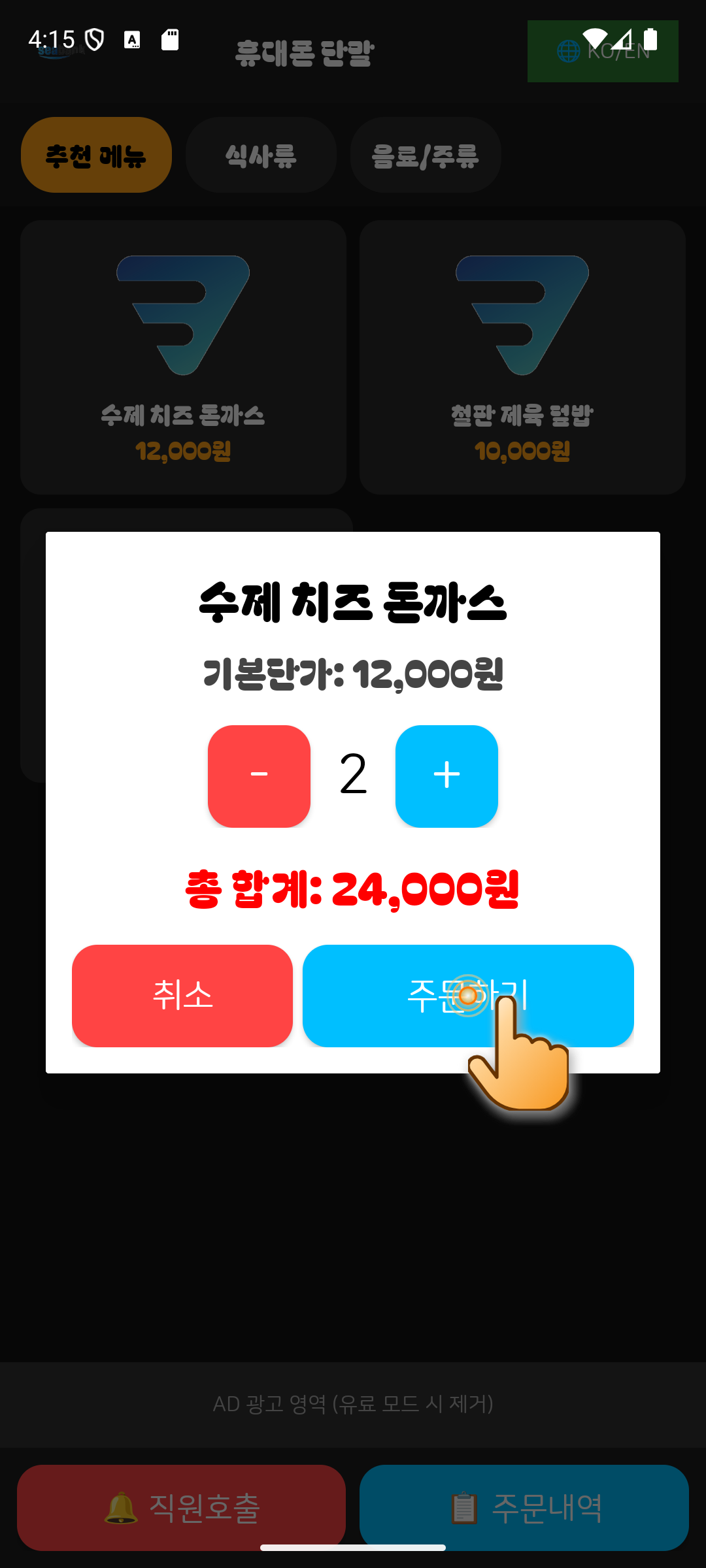
05.Tap "Order Now"
Verify your final order and tap the bright blue "Order Now" button at the bottom.
💡 One-touch ordering direct to kitchen POS without complicated steps.
STEP 06
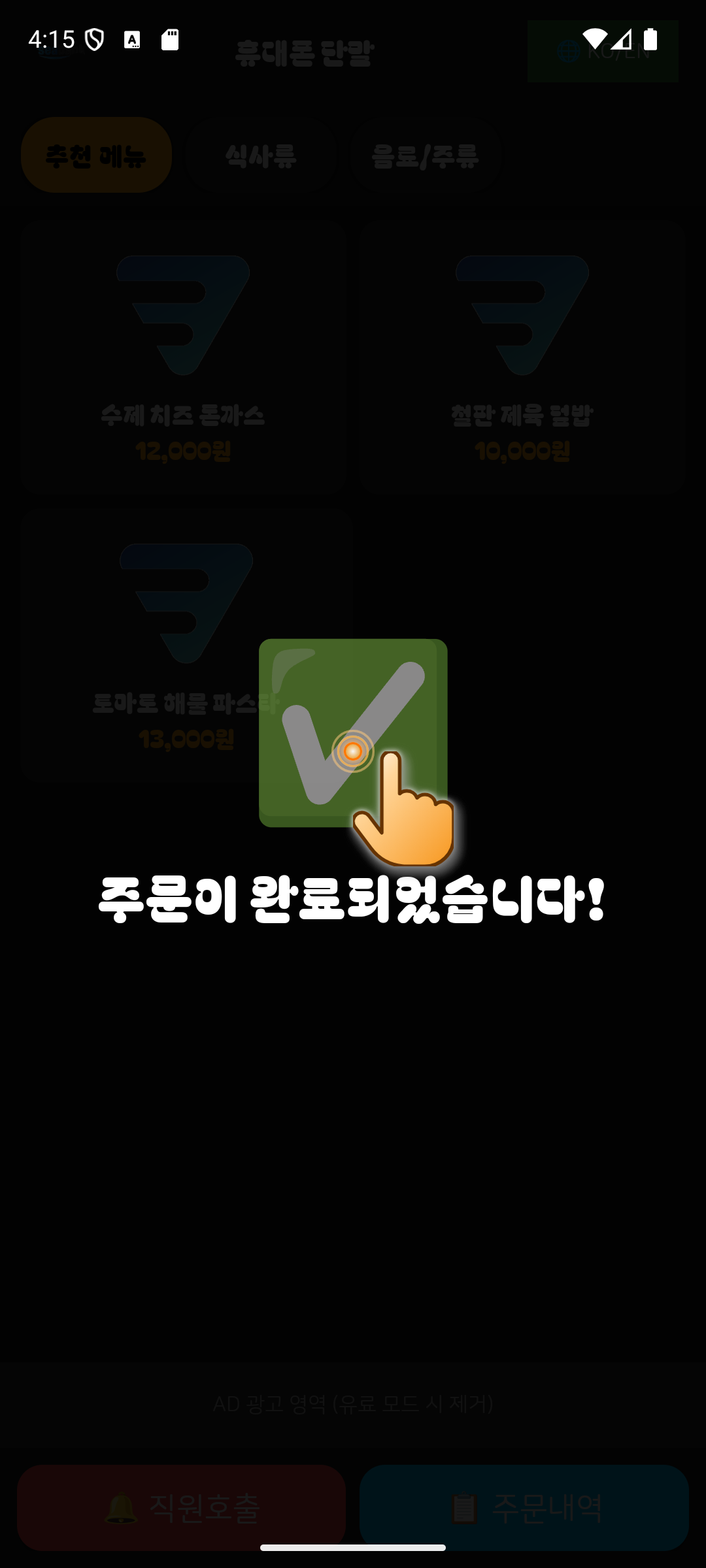
06.Order Confirmation
A large green checkmark overlay appears, confirming that the order was sent to the kitchen.
💡 Automatic overlay dismissal after 3 seconds for seamless dining flow.
STEP 07
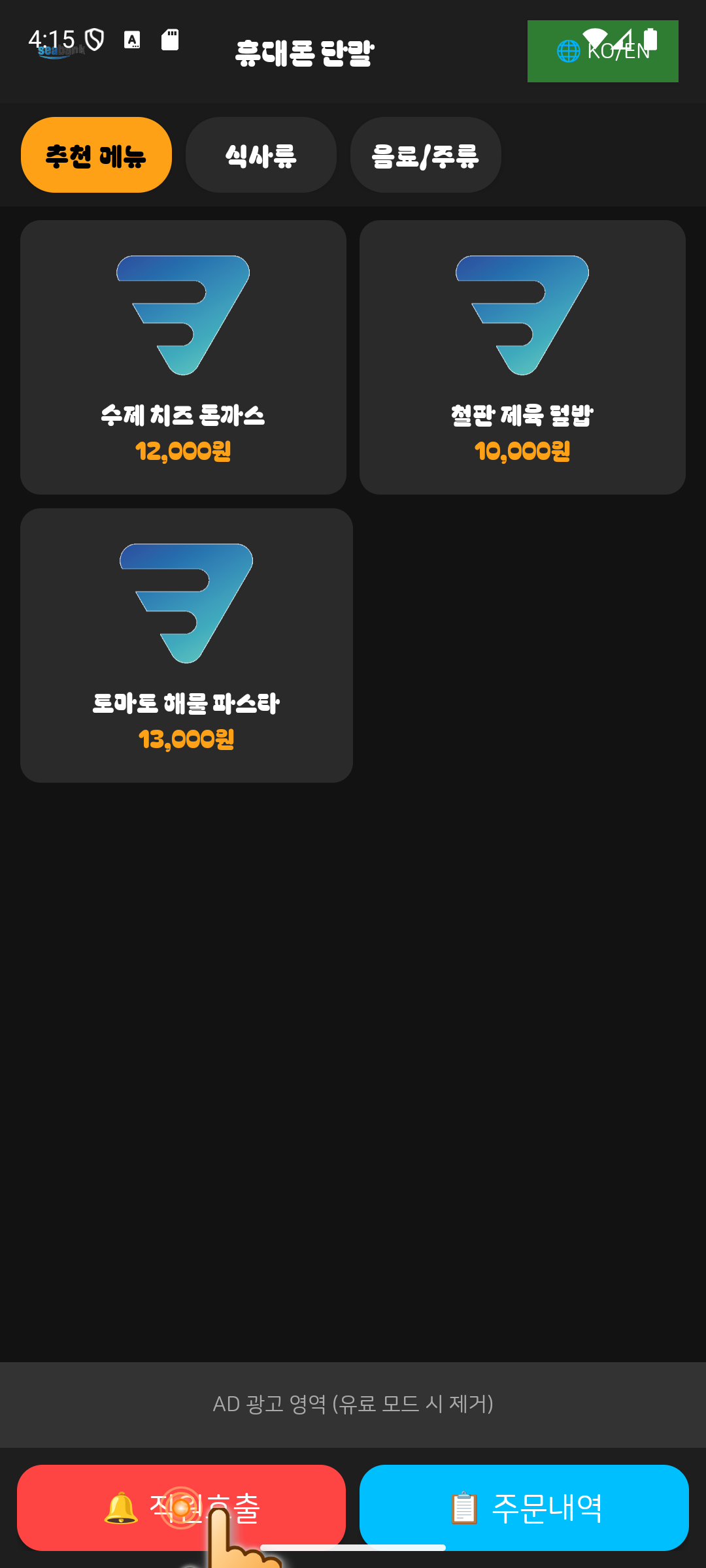
07.Call Staff
Whenever you need water, utensils, or assistance, tap the red "Call Staff" button at the bottom left.
💡 Always accessible at the bottom of the screen.
STEP 08
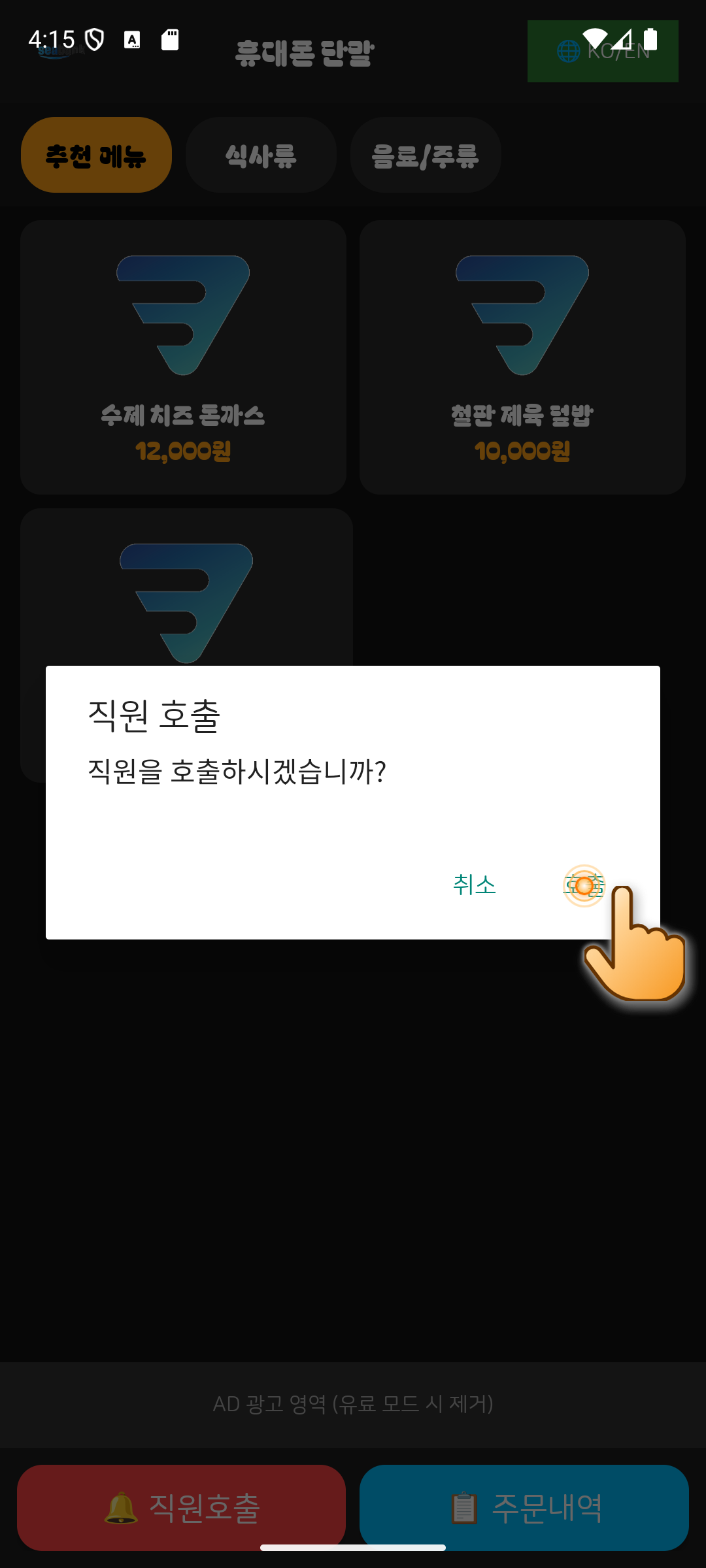
08.Confirm Staff Call
In the confirmation pop-up, tap "Call" to notify the server’s POS and smartwatch.
💡 Instant table number notification ensures prompt service.
STEP 09
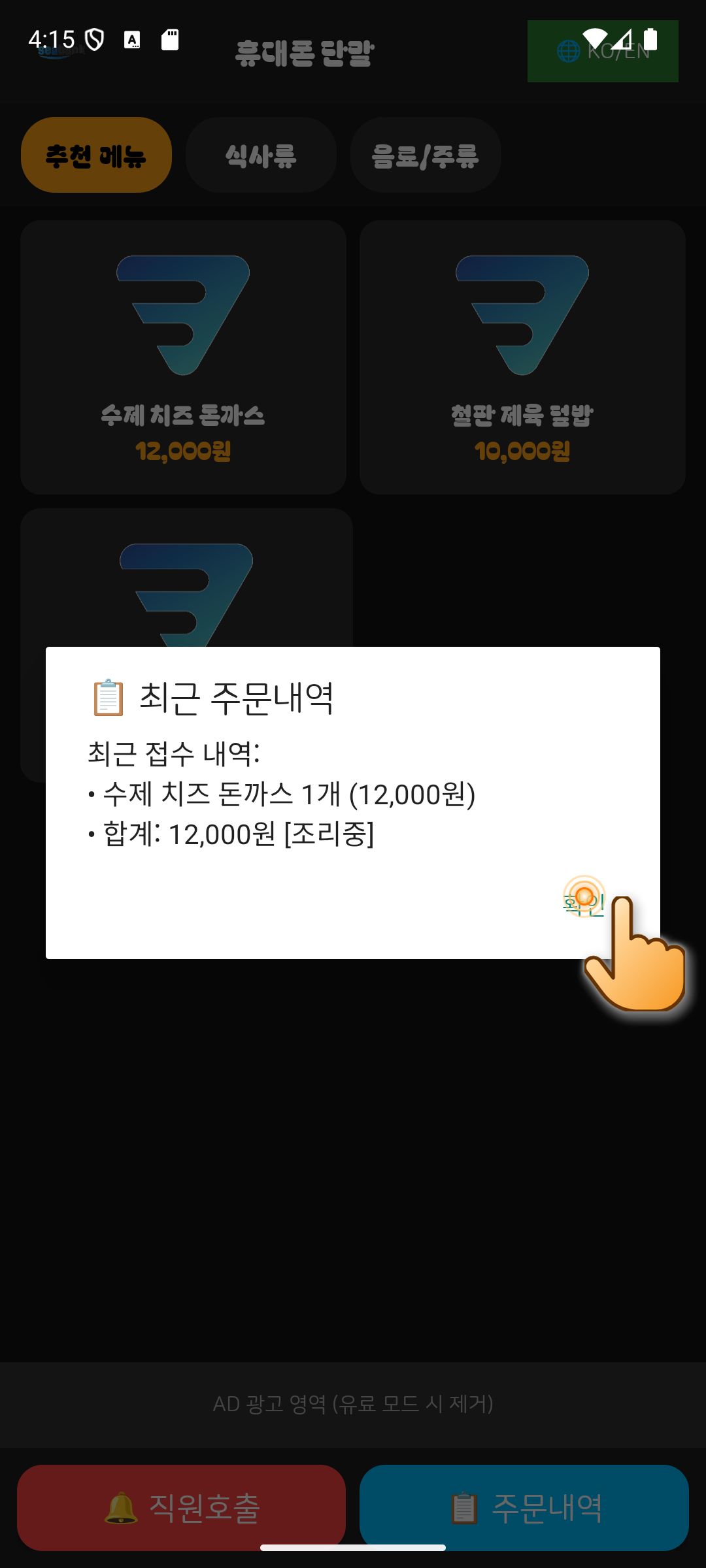
09.Order History & Cooking Status
Tap the blue "Order History" button at the bottom right to see all items ordered and cooking status.
💡 Transparent billing prevents duplicated orders.
STEP 10
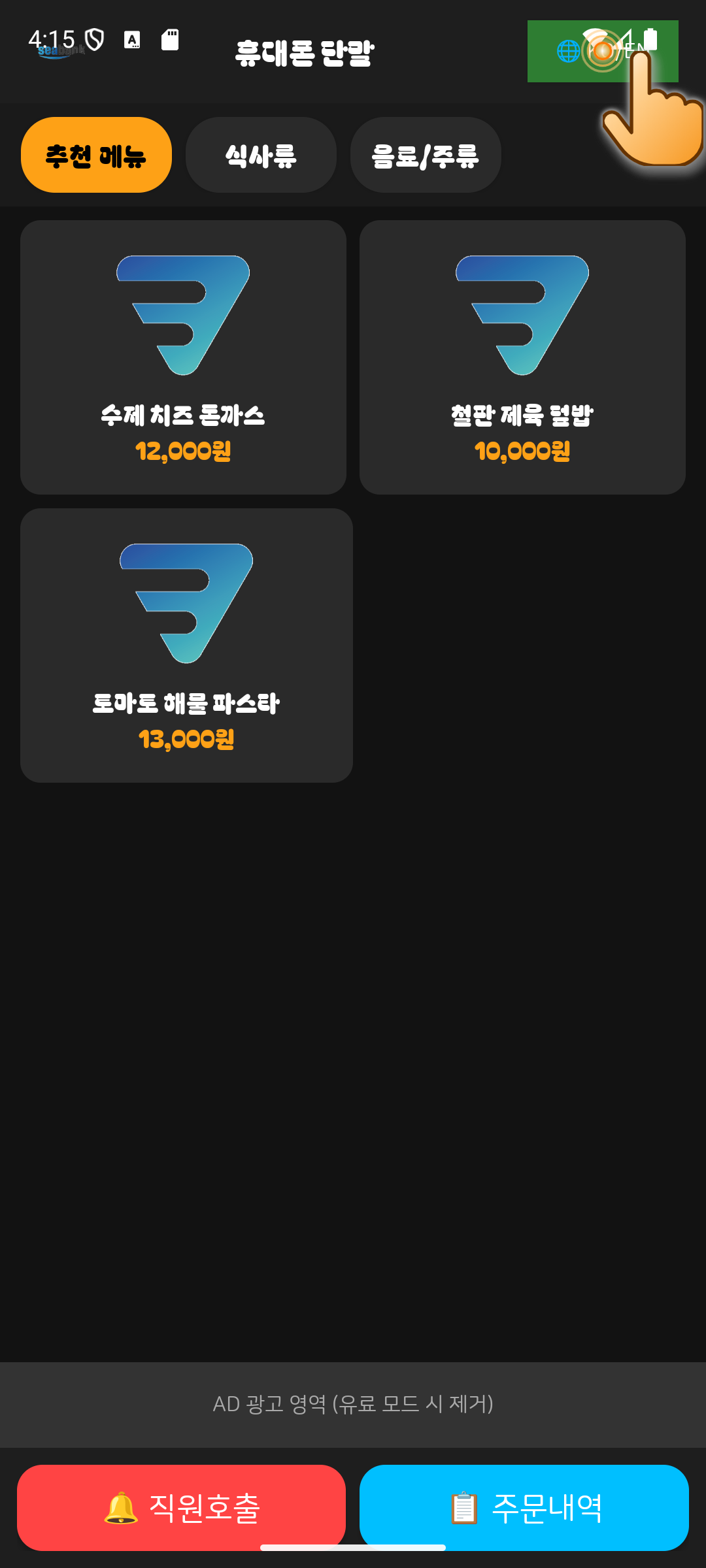
10.Instant Language Switch
Foreign guests can tap the green "🌐 KO/EN" button at the top right anytime to switch languages.
💡 Global tourist friendly support with zero extra cost.
Ready to Upgrade Your Restaurant?
Download the latest Android app and start zero-commission smart ordering today.